Don't Code, Specify: Why Senior Developers Are Getting Worse Results with AI
The methodology I used to build a crypto fintech (13 apps) in 70 days, solo, with AI agents.
The methodology I used to build a crypto fintech (13 apps) in 70 days, solo, with AI agents.
I’ve been writing production code for 25+ years. When AI coding tools arrived, I did what every experienced developer does: jumped in, typed a prompt, watched Claude generate 500 lines of code in 30 seconds.
It was beautiful. It was fast. And it was completely wrong.
Not syntactically wrong. The code compiled. But wrong in the way that matters: it solved a problem I didn’t fully define, with assumptions I didn’t make, in an architecture I didn’t want.
I spent months on that cycle. Prompt, generate, throw away, reprompt. Then I realized: the problem wasn’t the AI. The problem was me.
I was treating a world-class engineer like a junior dev. “Build me a task system.” “Add authentication.” “Now make it real-time.” Each prompt was a context-free command thrown at a tool with zero memory of my previous decisions.
That’s when I adopted Spec-Driven Development (SDD). I used it to build a 13-app monorepo with 3 APIs, 3 databases, and Kubernetes in production. Solo. (New to the term? Start with what Spec-Driven Development is, the complete guide.)
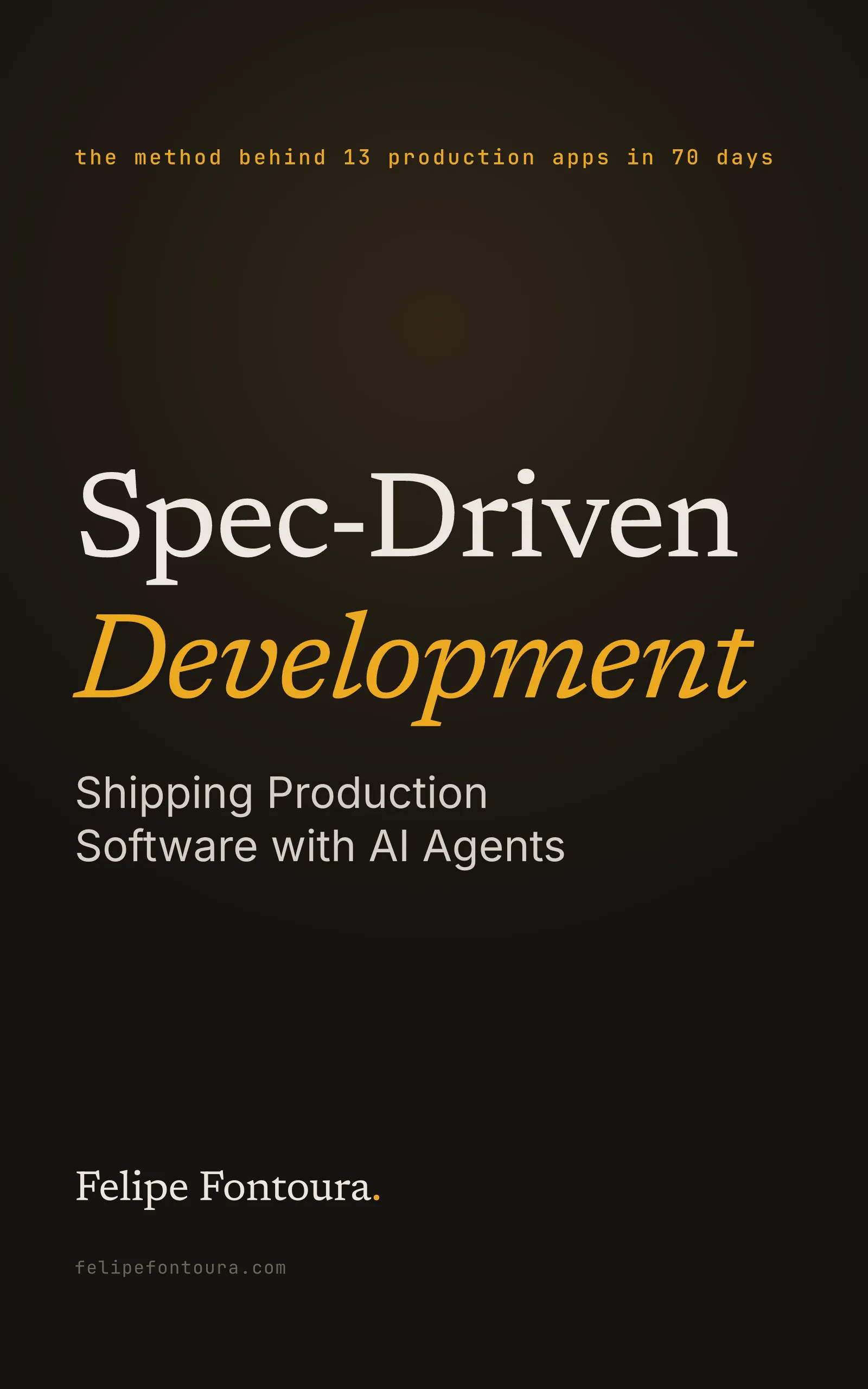
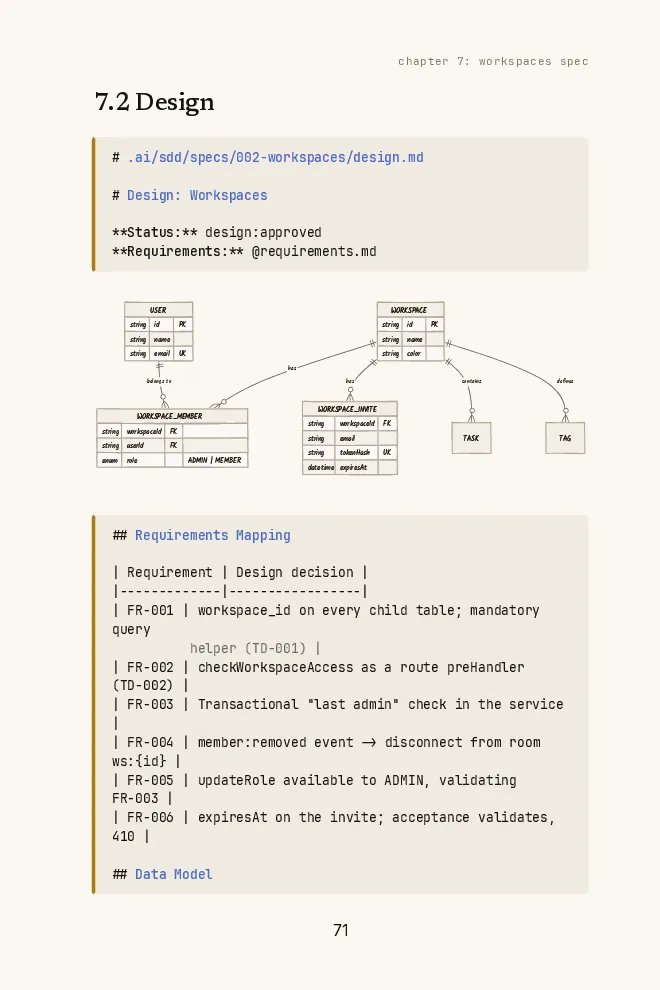
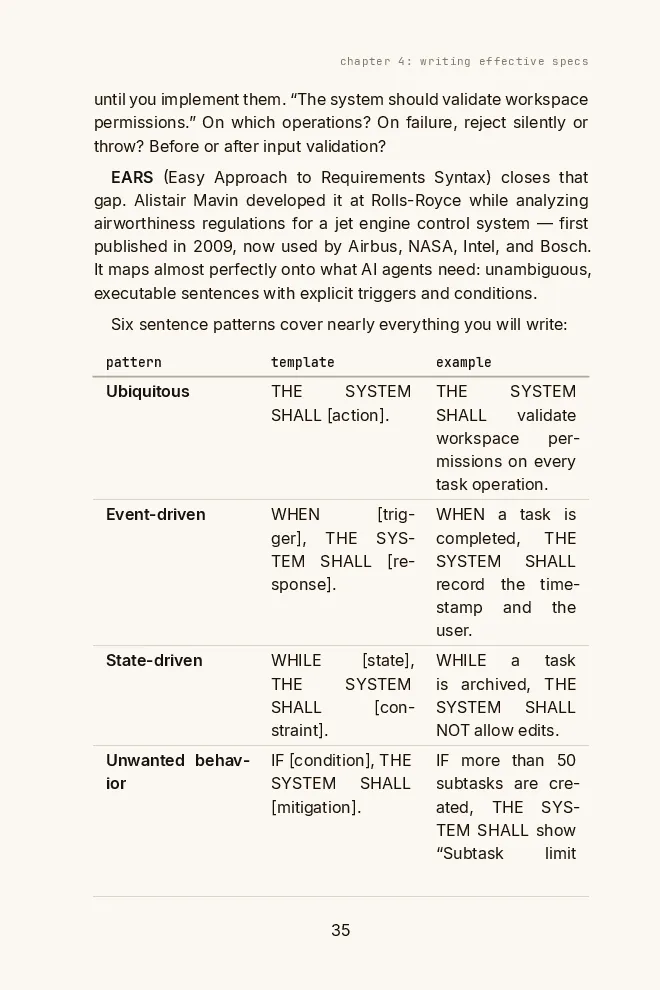
Free book · 169 pages · PDF + EPUB
Prompt, generate, throw away, reprompt: a spec breaks that loop. The book is the method behind a 13-app fintech in 70 days, solo, written down step by step.
Get the free bookFast and wrong is still wrong
Hire the fastest bricklayer in the world. He builds walls in minutes, installs plumbing in seconds, finishes the roof before lunch.
Forget to give him the blueprint.
You get a building that stands: bathroom where the kitchen should be, doors that open into walls, stairs to nowhere.
Claude Code, Cursor, Copilot. They are that bricklayer. They generate code at a speed that was science fiction five years ago. But speed without direction is a faster way to arrive at the wrong place.
The real cost shows up in the math:
Without specs
- 01prompt → generate → realize something's missing
- 02reprompt → break something → fix → reprompt
- 03repeat until it roughly works
- 048 to 12 hours for a single feature
With specs
- 012 hours of planning
- 02generate from the spec
- 03minor adjustments
- 043 hours, done
Why Experienced Developers Resist This
If you have 10, 15, 20 years of experience, you’re probably thinking: “I already know what I need to build. Formal specs are bureaucracy.”
I thought that too. For years, best practices pushed agility, rapid iteration, ‘working software over comprehensive documentation.’
But you’re not coding alone anymore. Your mental model doesn’t transfer to the agent.
When you write code, your brain holds the entire system. You know that obscure function in utils.ts is critical because you remember the time it saved the project at 2 AM. Claude doesn’t have that memory. Every session starts from zero.
The Four Pillars of SDD
SDD stands on four pillars, each with a human approval gate before the next phase begins:
The four pillars
- 01Requirements (WHAT)
What the system must do. Business language, observable behaviors, technology-independent.
- 02Design (HOW)
How it works. Architectural decisions, technology choices with justifications, data models, API contracts.
- 03Tasks (HOW MUCH)
Decompose into implementable units. Each task: 2 to 4 hours, independently testable, clear dependencies.
- 04Implementation (EXECUTION)
Code follows the spec. Verification against acceptance criteria. Documentation of decisions.
The earlier you catch an error, the cheaper it is to fix. The gates make sure errors are caught before they propagate.
The Anatomy of a Good Spec
The smart kid principle
Explain your system to a very intelligent 12-year-old. She’s sharp, asks good questions, and handles complex concepts, but she doesn’t have your implicit context.
“Do that thing with the tasks.” She’s lost.
“When someone creates a task, save the title, check if they have permission in that workspace, and notify everyone looking at the list.” Now she can work with you.
That’s the level of clarity your specs need.
Be specific, not generic
Bad: “The system should be fast.”
Good: “The GET /api/v1/tasks endpoint must respond in under 500ms at p95 for lists of up to 1,000 tasks.”
Define negative scope
What you explicitly won’t build is as important as what you will:
- This MVP does not support recurring tasks
- No calendar integration (v2)
- No time tracking
- No task dependencies (subtasks only)
This prevents the AI from helpfully adding features you didn’t ask for. It happens constantly.
Use concrete examples
Instead of “validate the task title,” specify the exact behavior:
""→ Error: “Title is required”"A"→ Error: “Minimum 2 characters”"Fix bug #123"→ Success"A"× 501 → Error: “Maximum 500 characters”" "→ Error: “Title is required”
Every question you answer in the spec is a wrong assumption prevented in the code.
What SDD Is NOT
It’s not Waterfall. Specs in SDD are living documents. They evolve, but in a controlled way. You can go back and modify requirements, but changes propagate consciously through design and tasks.
It’s not overkill for everything. Use SDD when the project lasts more than a few days, involves multiple complex features, or spans multiple development sessions. For a one-hour script, just prompt and go.
How the approaches compare
| Criterion (weight) | Naked prompting | Waterfall | Spec-Driven |
|---|---|---|---|
| Speed to first output (2) | 5 | 2 | 4 |
| Correctness (3) | 2 | 4 | 5 |
| Rework cost (lower is better, scored inverted) (3) | 1 | 3 | 5 |
| Scales with team size (2) | 1 | 3 | 5 |
| Weighted score | 21 | 31 | 48 |
Scale 1-5 (5 = best). Highlighted column: winner by weighted score.
The receipts
I built a complete crypto fintech platform using SDD: payment gateway, OTC exchange engine, OAuth 2.1 auth server, multi-tenant architecture, Kubernetes deployment. 13 apps in a monorepo, 8 shared packages. Solo.
The specs were the multiplier. Not the AI. The specs.
Without them, Claude Code is a fast bricklayer without a blueprint. With them, it’s a senior engineer who remembers every decision you’ve made.
Pick one feature. Write three files.
Start with one feature. Write these three files:
requirements.md: What does it do? For whom? What are the acceptance criteria?design.md: How does it work? Data model, API endpoints, architectural decisions.tasks.md: Break it into 2 to 4 hour implementable chunks with clear dependencies.
Hand it to your agent. That’s the whole system.
Keep reading:
- What Is Spec-Driven Development?: the complete method, the four pillars, and when to skip it
- The case study: 13 apps, 70 days, and the receipts
- How to write a spec: templates and the EARS format
- SDD vs. vibe coding: the disciplined antidote to coding by feel
I’m a practitioner of SDD, not the creator. My authority comes from applying it at scale: 13 apps, 70 days, solo, production. I’ve trained 30,000+ developers in software engineering and 400+ professionals in AI-augmented workflows.
The first spec takes time. The second one takes half as long. By the third, it’s muscle memory.
The code writes itself. The spec doesn’t.
Felipe
Free book
Stop reprompting the same feature: write its spec once, starting from requirements, design and tasks templates and a real project specified end to end.
Get the book